
AI in Nimles
AI that shows its work.
In Nimles, AI proposes and people decide. Every value AI suggests says where it came from, texts written by AI are labelled wherever they are shown, and an assistant works in your tenant only with the rights of the person who connected it.
How we use AI
Useful, visible and checkable
The same rules hold in the hub, on the storefront and in the API.
From photos to products
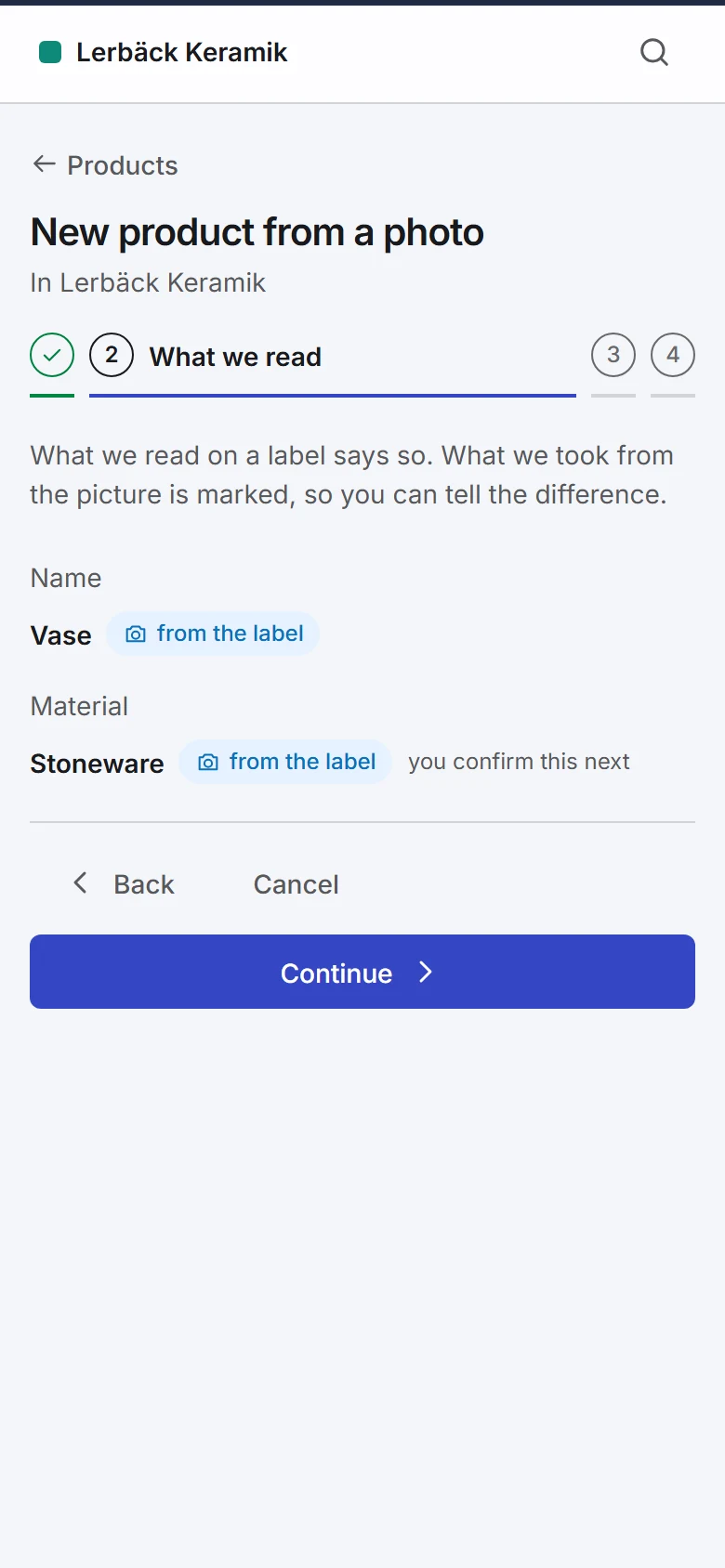
AI reads a product’s photos and its label and fills in what it can. It asks a person for the rest.
Proposals with sources
Every suggestion shows where it came from and how sure it is, and waits for a person or a rule before it is used.
Labelled as AI
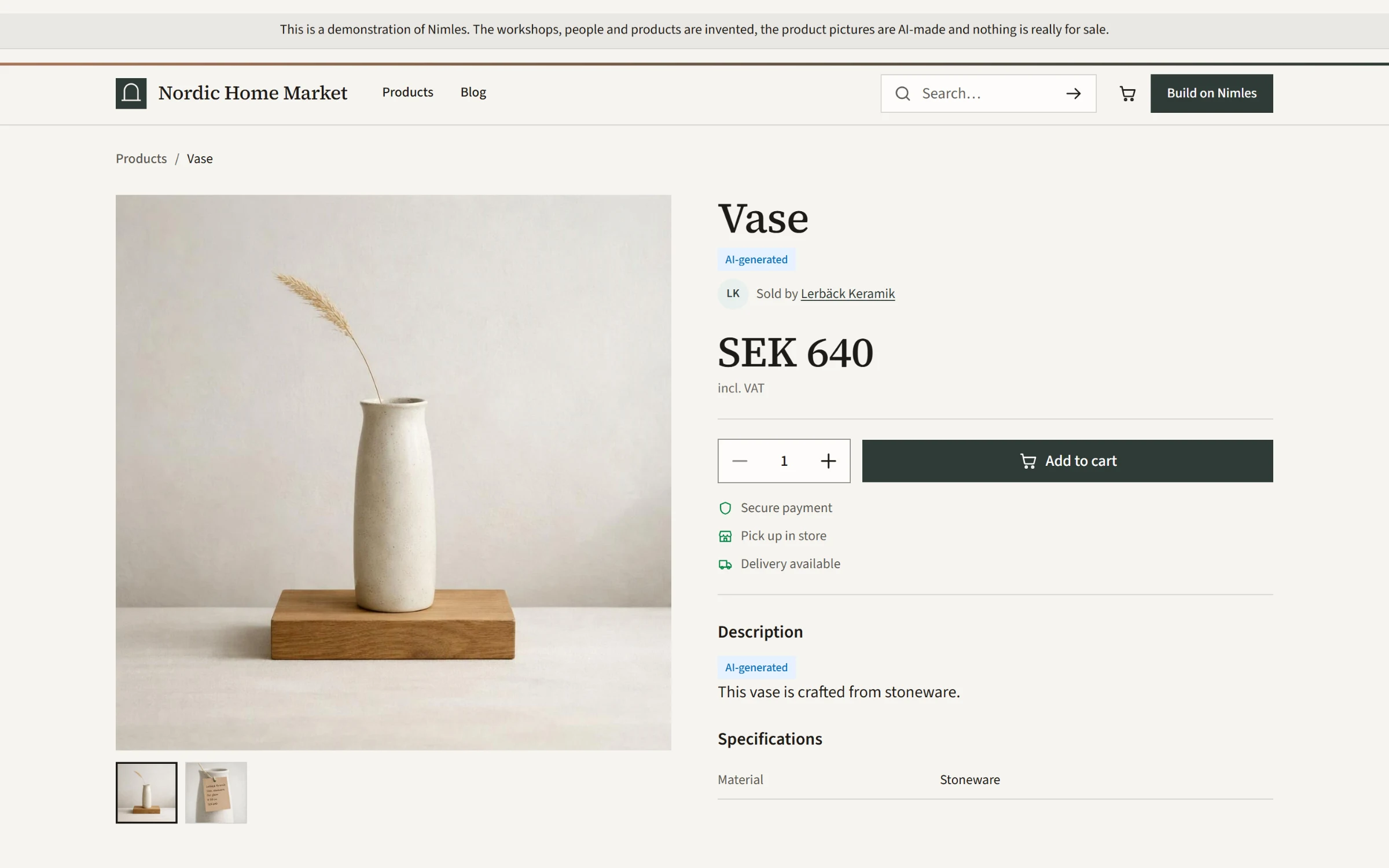
Texts AI wrote carry an AI-generated label wherever a storefront shows them, made with the transparency rules of the EU AI Act in mind.
Check any text
Paste a text on nimles.com to see whether it was published as AI-generated through Nimles, where and with which model. Only checksums are kept, never the texts.
Agents and chat in the API
The AI service gives your own app agents, chat and chat sessions, on the same tenant as everything else.
Credits you can see
AI use counts against your monthly credits, and the hub shows how many are left and when they start over.
MCP
Your tenant, in your AI assistant
The MCP server at mcp.nimles.com lets Claude Code, VS Code and other MCP clients work in your tenant: look up and change content, products and orders, upload media and publish pages. You sign in as yourself, so the assistant can do only what you can. Deletes, payments and other consequential actions need an explicit confirmation.
# Claude Code
claude mcp add --transport http nimles \
  https://mcp.nimles.com/mcp

# VS Code, or any MCP client with Streamable HTTP and OAuth
# .vscode/mcp.json → "nimles": { "type": "http",
#   "url": "https://mcp.nimles.com/mcp" }
Build with AI on Nimles
Sign up for the beta and request access in the portal. The docs take you from there to your first call.